
PHP Seat Booking Standalone
Design, Implement and automate seat booking system
version 2.2
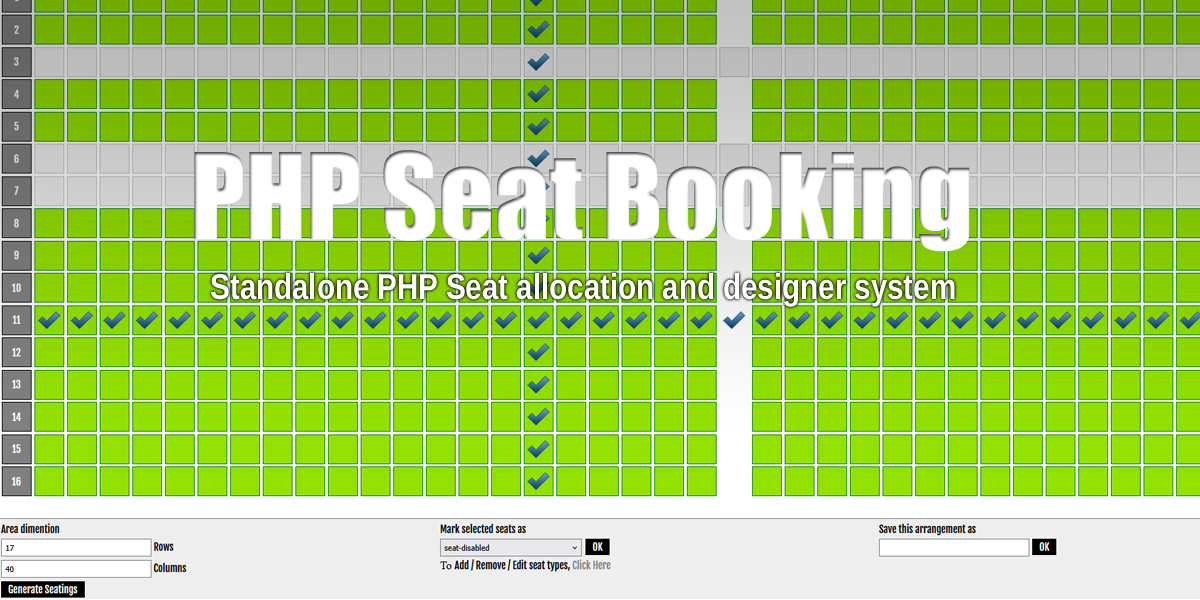
This script is licensed for lifetime use, with support and updates for a limited period from purchase date.
What We Built
- Reusable layouts (create once, run many times)
- Visual seat map editing
- Background/overlay design tools (lines, rectangles, text)
- Booking runs with status and limits
- Mobile-friendly booking screens
- Clearer booking result handling and messages
Why This Helps
For cinemas, events, classes, and sessions with fixed seating, this app helps teams reuse layouts, keep seat maps clear, control booking limits, and reduce seat conflict confusion at checkout.
Key Problems It Solves
1) Rebuilding seat maps every time
Layouts are reusable. Design once and launch many booking runs.
2) Basic map visuals
Background editor supports:
- Rectangles: optional fill, border color/width/style/radius, resize handles
- Lines: color, optional arrowheads, rotation
- Text: font size, color, bold/normal/italic, rotation
3) Low design precision
- Gridlines toggle
- Row/column header show-hide toggle (no layout shift)
- Snap/gravity-style correction against seat boundaries
4) Export pain
You can export layout visuals as PNG and SVG.
5) Mobile booking issues
Booking pages are now mobile-friendly, with better scrolling and improved performance on large layouts.
6) Confusing booking outcomes
Run-based booking is now all-or-none: either all selected seats are booked, or booking fails with a clear reason.
7) Per-customer seat limit enforcement
Failure messages clearly explain max seats allowed, seats already booked, and remaining allowed seats.
Who Benefits
- Venue admins: faster setup and reusable layout management
- Event teams: better control over booking runs and limits
- Customers: cleaner mobile experience and clearer booking feedback
Typical Flow
- Admin creates or edits layout
- Admin refines visuals in background editor
- Admin launches booking run
- Customer selects seats and enters email
- System validates limits and availability
- Booking succeeds (all seats) or fails with clear guidance
Business Impact
This version reduces manual work, improves booking trust, and cuts support noise caused by unclear seat states and ambiguous booking messages.